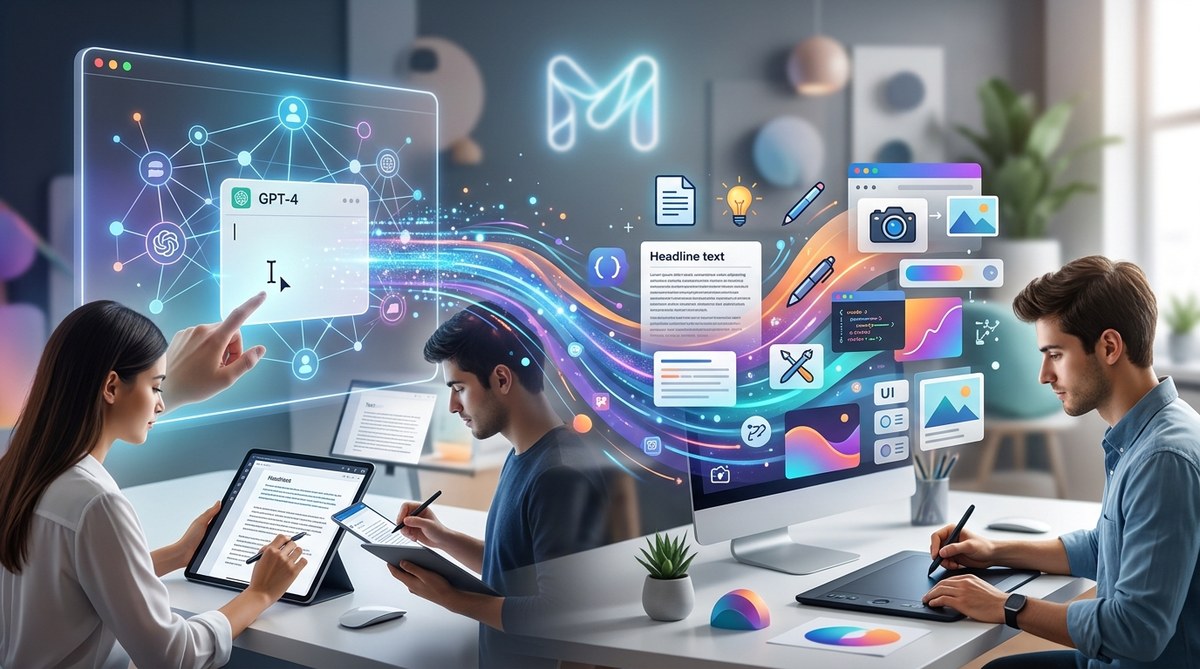
Creativity fuels the digital age, and GPT has become a game-changer for content creators and designers alike. Instead of sticking to traditional methods, AI offers a palette of possibilities to generate fresh ideas, streamline workflows, and elevate visual storytelling. Whether you’re crafting engaging blog posts, designing eye-catching visuals, or brainstorming new concepts, GPT can be an invaluable partner in your creative journey. Let’s explore some of the most exciting ways AI is transforming content and design.
GPT unlocks new levels of creativity by assisting in idea generation, automating repetitive tasks, and enhancing visual storytelling. Embrace AI-driven workflows to stay ahead in content and design projects.
How GPT Sparks Innovation in Content and Design
GPT’s ability to understand and generate human-like language opens a world of possibilities for creative work. It can serve as a brainstorming partner, a writing assistant, or even a visual idea generator. By integrating GPT into your workflow, you gain a versatile tool that helps you break through creative blocks, experiment with new styles, and produce compelling content faster.
Practical Ways to Use GPT in Creative Projects
- Generate Fresh Content Ideas
- Automate Routine Content Tasks
- Enhance Visual Concepts and Design Variations
Let’s look at each in detail.
1. Generate Fresh Content Ideas
Brainstorming can be time-consuming. GPT can jumpstart your creativity by offering a list of unique blog topics, social media themes, or campaign slogans. For example, input a prompt like “Creative blog post ideas about sustainable fashion” and receive a variety of engaging suggestions. This helps you maintain a steady flow of ideas without exhausting your mental energy.
2. Automate Routine Content Tasks
Creating drafts, captions, or product descriptions often takes up a lot of time. GPT can assist by producing initial drafts that you can then refine. This speeds up the content creation process and allows you to focus on adding your unique voice. For instance, if you’re designing a newsletter, GPT can generate multiple headline options, saving hours of work.
3. Enhance Visual Concepts and Design Variations
GPT can also be used to generate creative prompts for visual projects. By describing a scene or mood, it can suggest color palettes, layout ideas, or stylistic themes. For example, a prompt like “modern minimalism with a touch of vintage” can inspire a series of design variations. This synergy between language and visuals helps you expand your creative horizons.
Techniques for Leveraging GPT Effectively
| Technique | How It Works | Common Mistakes |
|---|---|---|
| Prompt Engineering | Craft precise prompts to get relevant outputs | Vague prompts lead to generic results |
| Iterative Refinement | Use multiple rounds to improve output | Rushing results without review |
| Combining AI with Human Judgment | Use AI ideas as starting points | Relying solely on AI without personal input |
Tips for Better Results
- Be specific in your prompts. Instead of “write about marketing,” try “write a humorous blog post about social media marketing for small businesses.”
- Use iterative prompts to refine ideas gradually.
- Combine AI suggestions with your expertise for the best output.
“Think of GPT as your creative collaborator. It can offer a spark, but your touch brings it to life.” — Creative AI specialist
Practical Processes to Integrate GPT into Your Workflow
-
Define Your Creative Goal
Start with a clear idea of what you want to achieve. Whether it’s a new blog series or a visual campaign, knowing your goal guides your AI prompts. -
Craft Specific Prompts
Design prompts that clearly communicate your needs. Use detailed descriptions to get relevant and useful outputs. -
Review and Refine
Evaluate GPT’s suggestions critically. Pick the best ideas, modify them, and add your personal style. -
Iterate for Perfection
Prompt again with adjusted instructions. This iterative process helps hone ideas into finished concepts.
Mistakes to Avoid
| Mistake | Why It Matters | How to Avoid It |
|---|---|---|
| Using vague prompts | Results are too broad or irrelevant | Be specific and detailed |
| Relying solely on AI | Ideas may lack depth or authenticity | Always add your personal touch |
| Ignoring limitations | AI can make errors or produce biased content | Review outputs carefully |
Enhancing Your Creative Workflow with AI
Using GPT as part of your routine can significantly boost productivity. Automate repetitive tasks like caption writing, generate multiple design ideas quickly, and get inspired by diverse perspectives. Remember, AI is a supplement, not a replacement. Your creative intuition remains essential.
Visual and Design Innovation Using GPT
While GPT excels with words, it can also inspire visual projects. Describe a concept to GPT and ask for stylistic suggestions or mood board ideas. Pair this with image-generation tools like DALL·E to create visual prototypes based on the prompts. This combination accelerates visual experimentation and helps you communicate ideas clearly.
Common Techniques and Pitfalls in AI-Assisted Creativity
| Technique | Description | Mistake to Watch For |
|---|---|---|
| Prompt specificity | Clear prompts yield relevant results | Overly broad prompts cause confusion |
| Idea blending | Combine multiple AI outputs for richer concepts | Over-relying on a single output |
| Human editing | Tailor AI-generated content for authenticity | Forgetting to review for tone and accuracy |
Final Thoughts on AI-Driven Creativity
Integrating GPT into your content and design processes opens up new avenues for innovation. It allows you to generate ideas rapidly, experiment with different styles, and overcome creative blocks. Experiment with prompts, refine your approach, and see how AI can become a trusted partner in your creative toolkit.
Remember, the best results come from a balanced blend of AI’s capabilities and your unique creative voice. So, start small, test different prompts, and watch your projects flourish with a little help from AI.
Keep Pushing Creative Boundaries
As the landscape of content and design evolves, so should your methods. Harnessing GPT’s potential requires curiosity and willingness to experiment. Use it to inspire, accelerate, and diversify your work. Your next big idea might just be a prompt away.
Happy creating!